Open
OpenCredentials and groups
The users OpenNCCM signs in to each device with, and how to group devices.
Video course · OpenNCCM from scratch · in Spanish
Prepara tus equipos
Lesson 3.1 of 30 · Module 3 · Your devices
See the full courseDevice credentials
Section titled “Device credentials”Credentials menu. Create one profile for each user/password combination your devices use (for example “net-admin” and “firewalls”). If your Cisco devices require enable, also fill in “Enable / secret”. Passwords are stored encrypted and are never shown again.
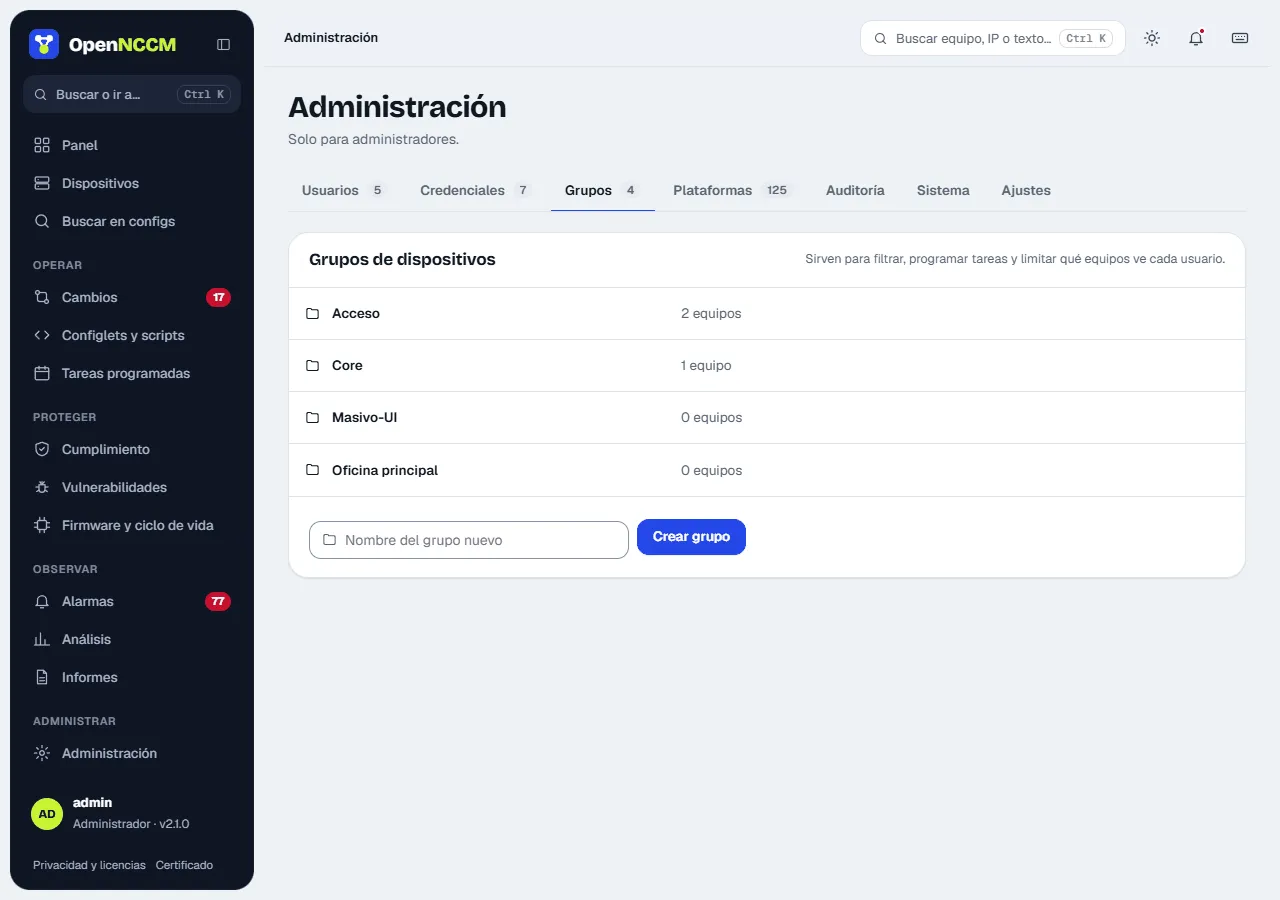
On the same page create the device groups (site, role or customer). Groups are used by tasks, policies and filters, and to limit which devices each user sees.
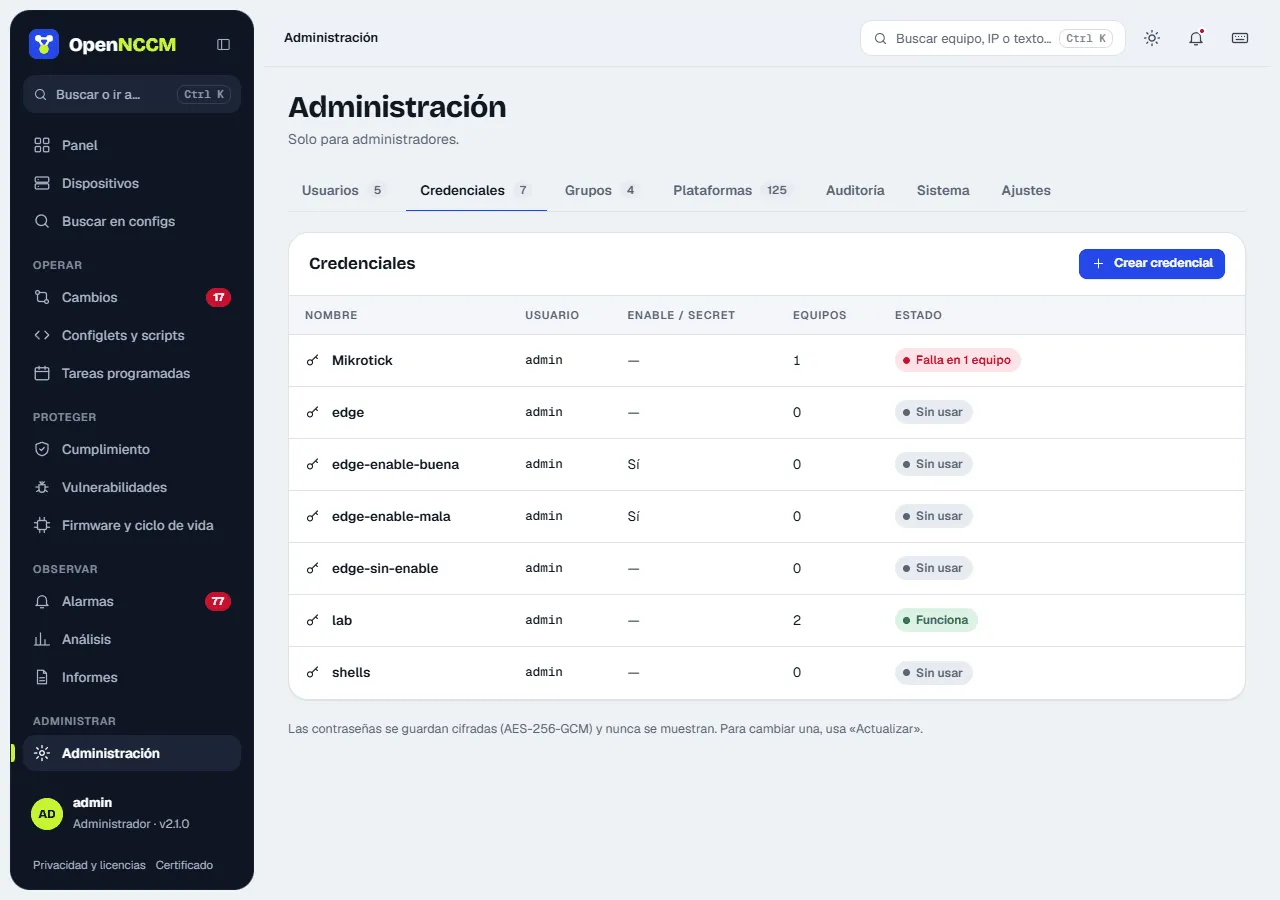
Credentials: profiles with the user, password and privileged password (enable) used to connect to devices. If the device logs in at user mode (“>”) and the credential has no enable, OpenNCCM tries the login password; if that does not work, the error says which credential to enter it in. They are stored encrypted with AES-256-GCM and never shown. They are in Administration → Credentials: the table shows how many devices use each one and its status (works, fails on N devices or unused). Create credential and Update open a side panel; when updating, leave blank whatever you do not want to change.
Groups (Administration → Groups tab): group devices (site, role, customer) to filter, schedule tasks, apply policies and restrict users. The table shows how many devices each one has, with See devices; they are created with the field at the bottom. You also get here from the Groups button on the Devices page, and a group can be created while editing a device. To assign a device to a group: open it and click assign group (or Edit). When a group is deleted, its devices are left without a group.