Open
OpenRequests and approval
Make sure no change reaches the network without review, and keep a record of who asked for it, who approved it, what was applied and with what result.
How to use it
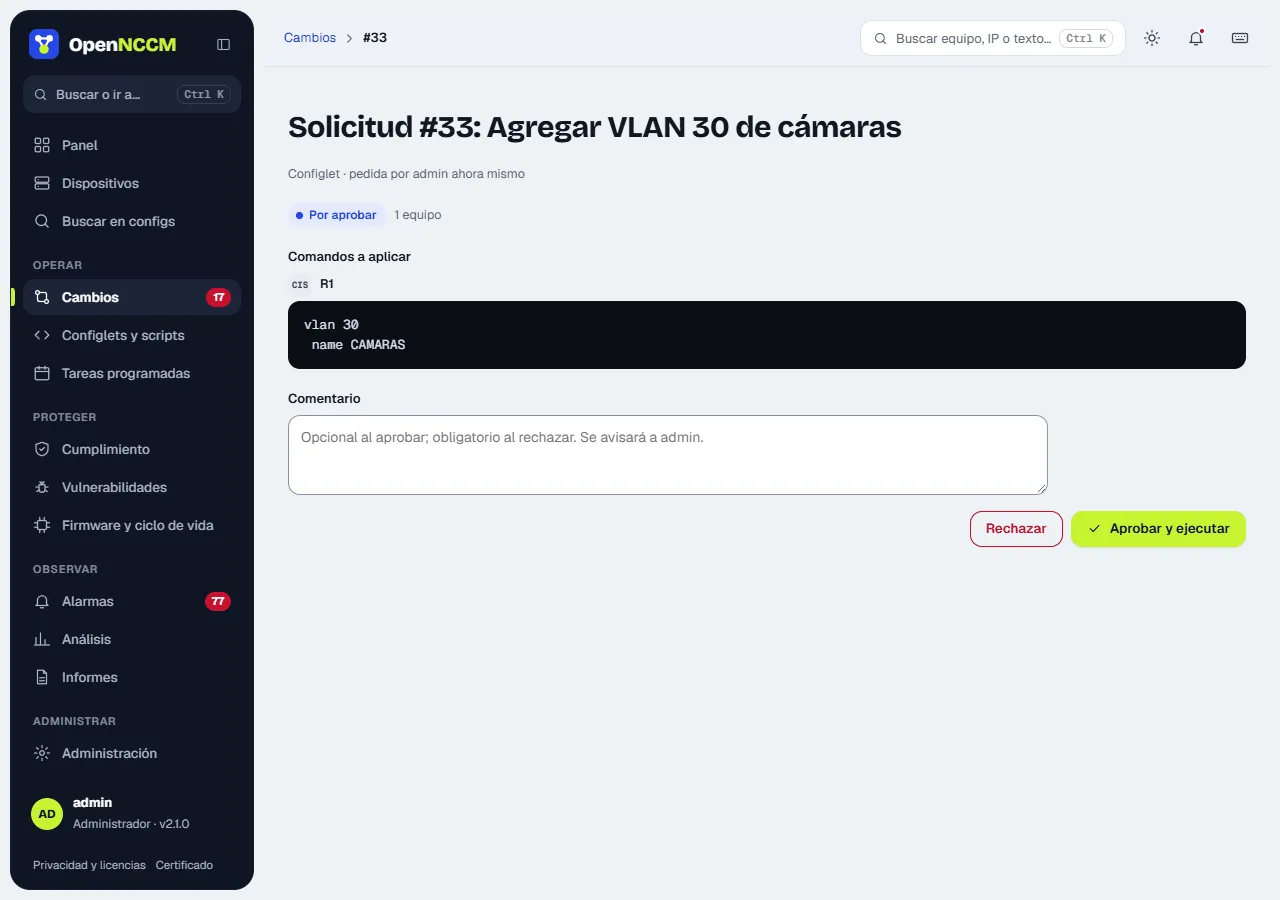
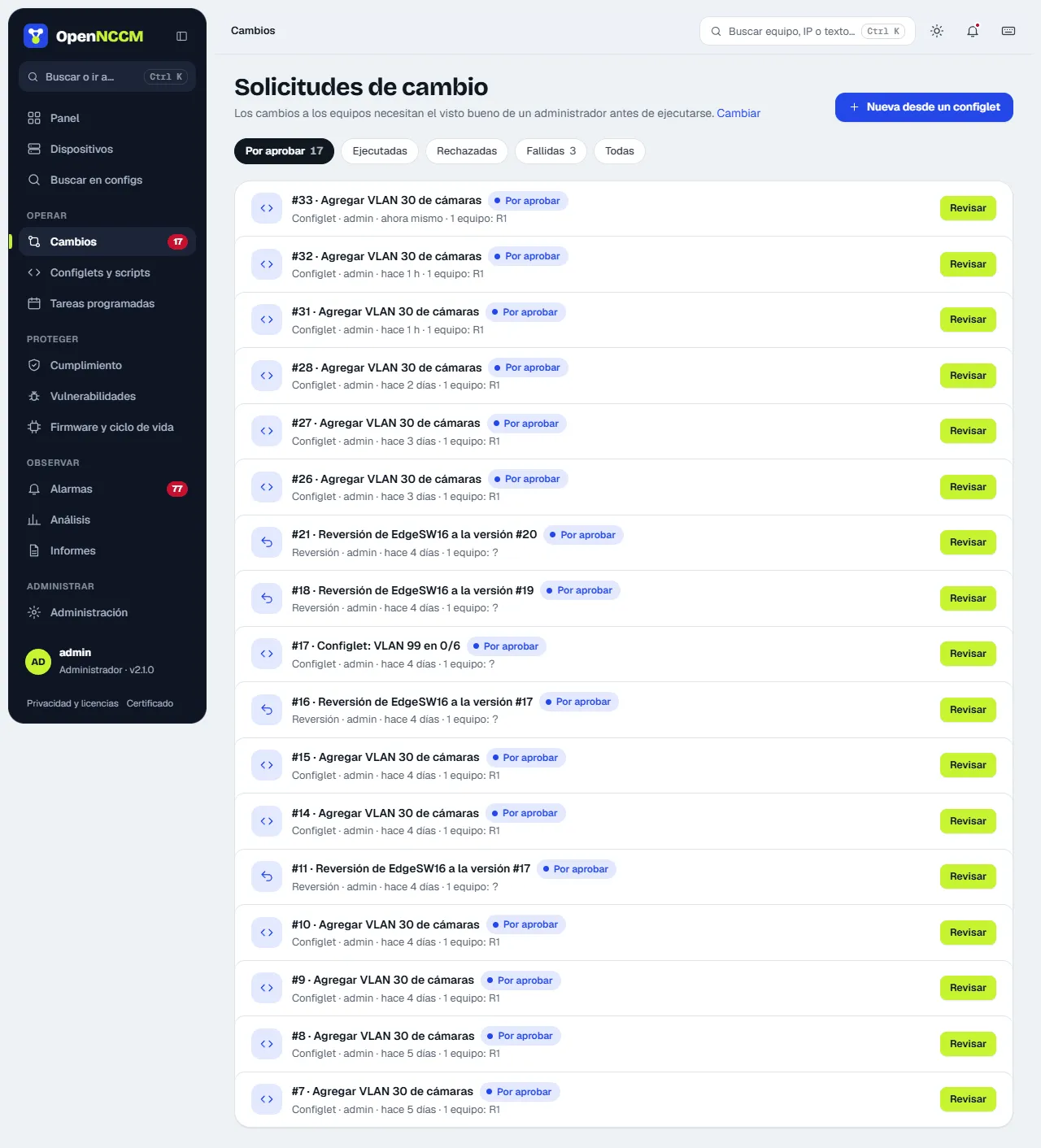
Section titled “How to use it”- Requests are created from configlets, compliance fixes, rollbacks and firmware upgrades.
- The administrator opens the request (Changes menu, which opens on “To approve” if any are pending), reviews the per-device command preview in the side panel and clicks Approve and run or Reject. The comment is optional when approving and required when rejecting, so whoever asked knows what to change.
- When it runs, the Result section shows each device’s output. Commands are sent one at a time: if the device rejects one, OpenNCCM stops there, does not save the configuration (nor commit; on Junos, IOS-XR, VyOS and similar it discards the pending changes), says which command failed and which had already been applied, and backs up the device to record its real state. The request is marked as failed for that device.