Open
OpenConfiglets
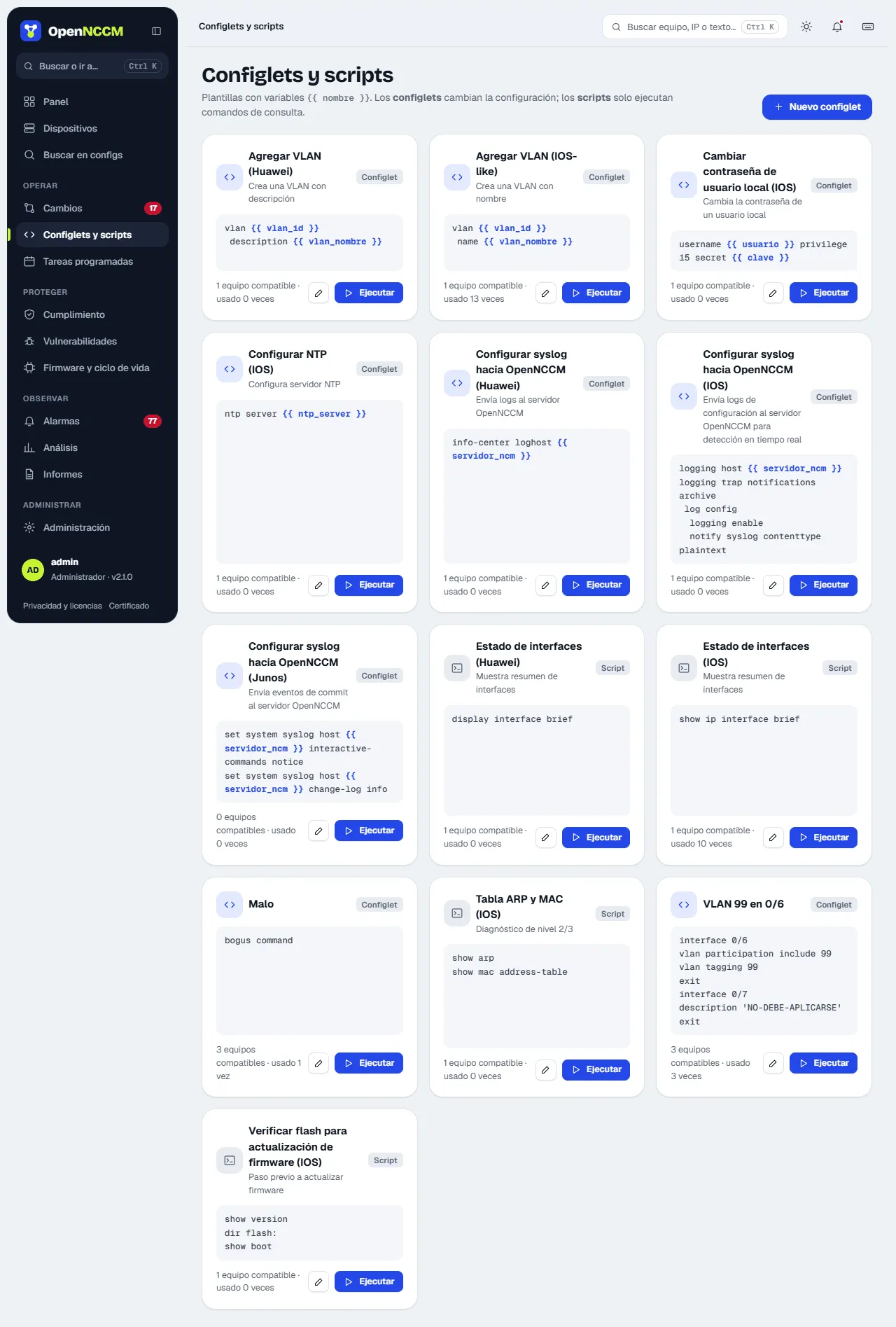
Reusable command templates to make bulk changes or run diagnostics on many devices at once.
Video course · OpenNCCM from scratch · in Spanish
Configlets
Lesson 5.1 of 30 · Module 5 · Automate
See the full course| Type | What it does | Approval |
|---|---|---|
| config | Enters configuration mode, applies the commands and saves the configuration (or commits on Junos, IOS-XR, PAN-OS, VyOS…). | Yes: it creates a change request. |
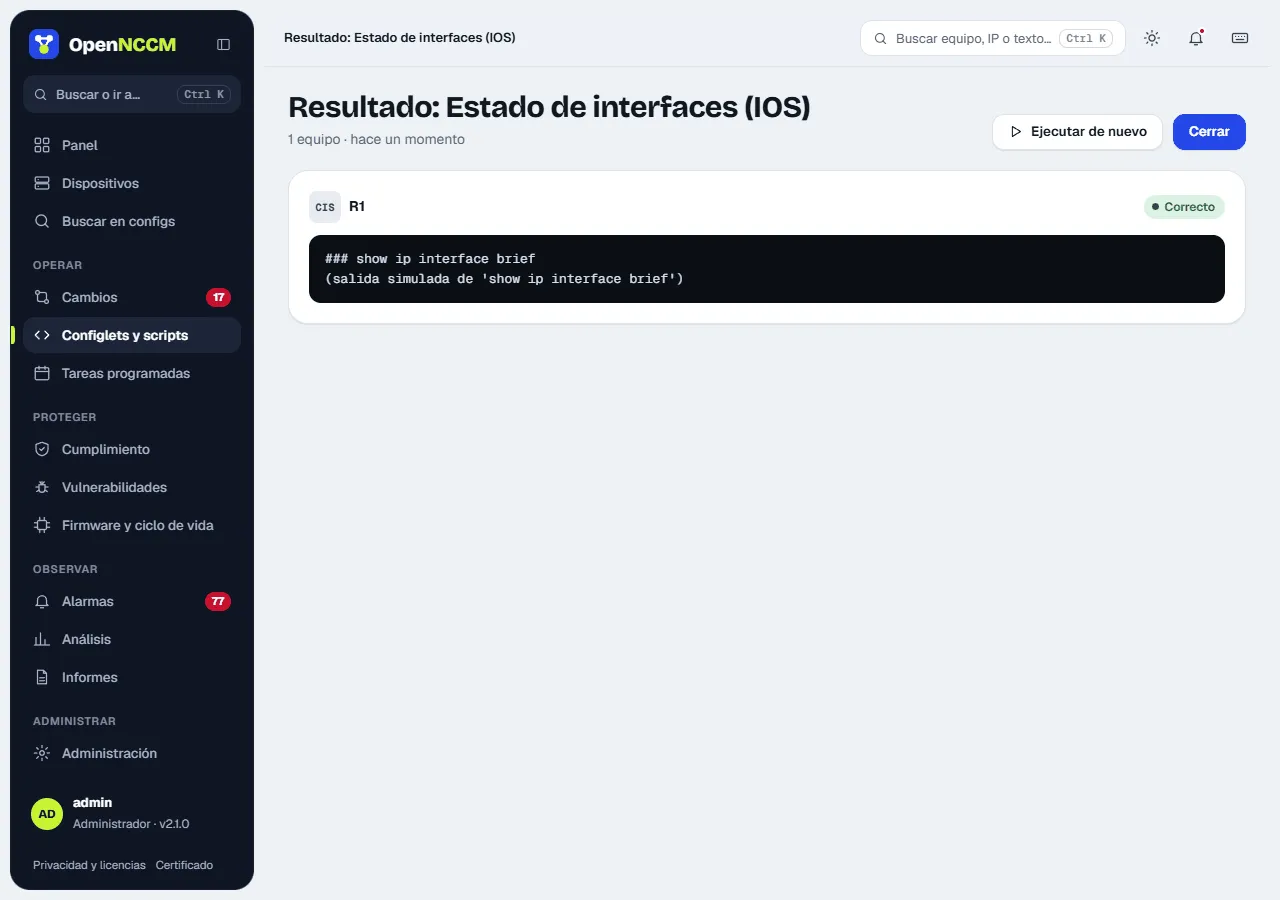
| exec | Runs query commands (show, display…) and shows each device’s output. |
No: it is immediate. |
Variables
Section titled “Variables”Commands are Jinja2 templates. You can use device data and your own variables, which are asked for when it runs:
vlan {{ vlan_id }} name {{ vlan_name }}{% if device.group == "Core" %}spanning-tree vlan {{ vlan_id }} priority 4096{% endif %}! applied on {{ device.name }} ({{ device.host }})Device variables: device.name, device.host, device.model, device.os_version, device.serial, device.location, device.device_type, device.group.
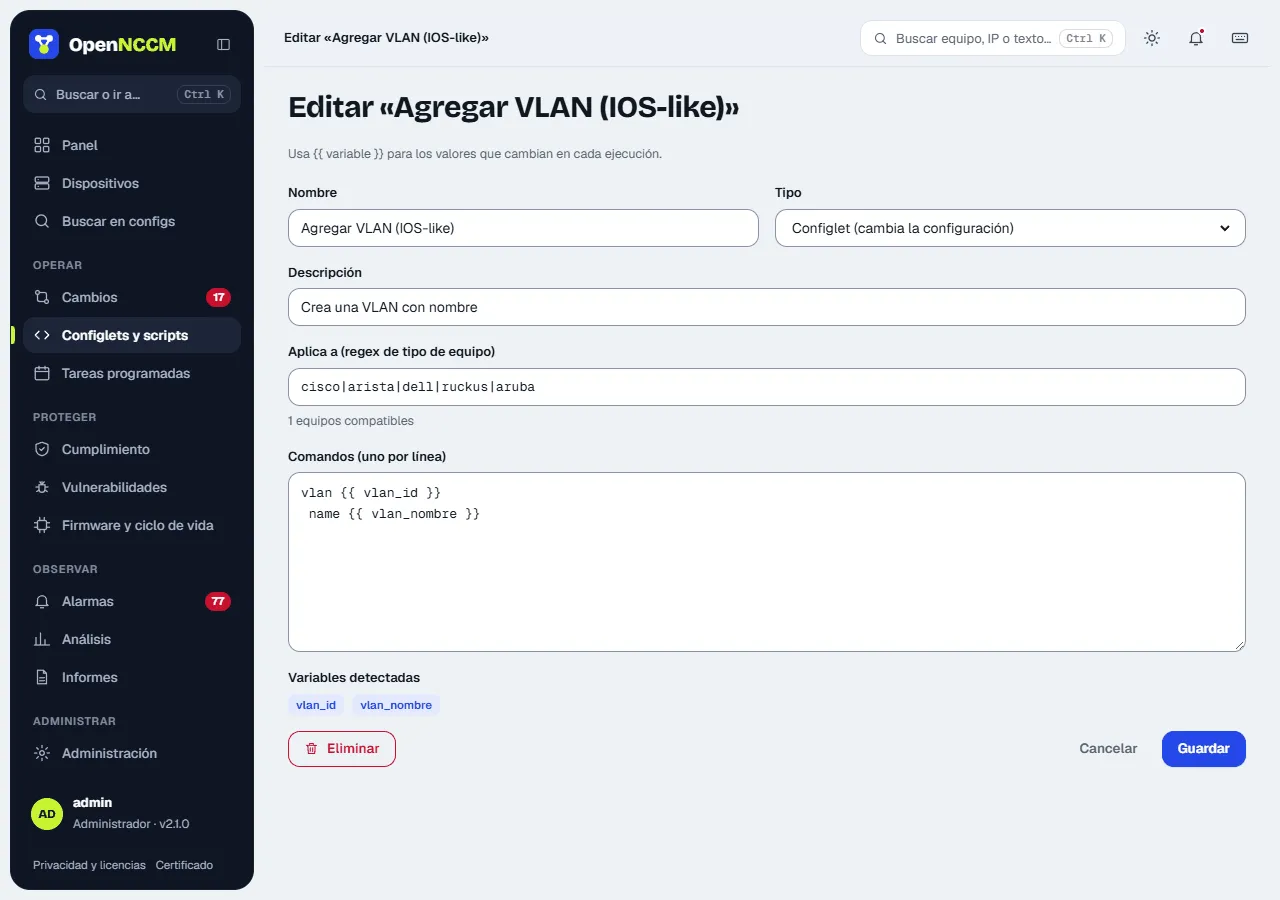
- Click Run on the configlet’s card: a side panel opens.
- Fill in the detected variables: there is one field for each, and the command preview updates as you type.
- Choose the compatible devices: one by one, all, none or a whole group.
- For config: click Create change request and wait for approval. For exec: you see the output right away.