Open
OpenReports
Video course · OpenNCCM from scratch · in Spanish
Informes
Lesson 8.3 of 30 · Module 8 · Monitor
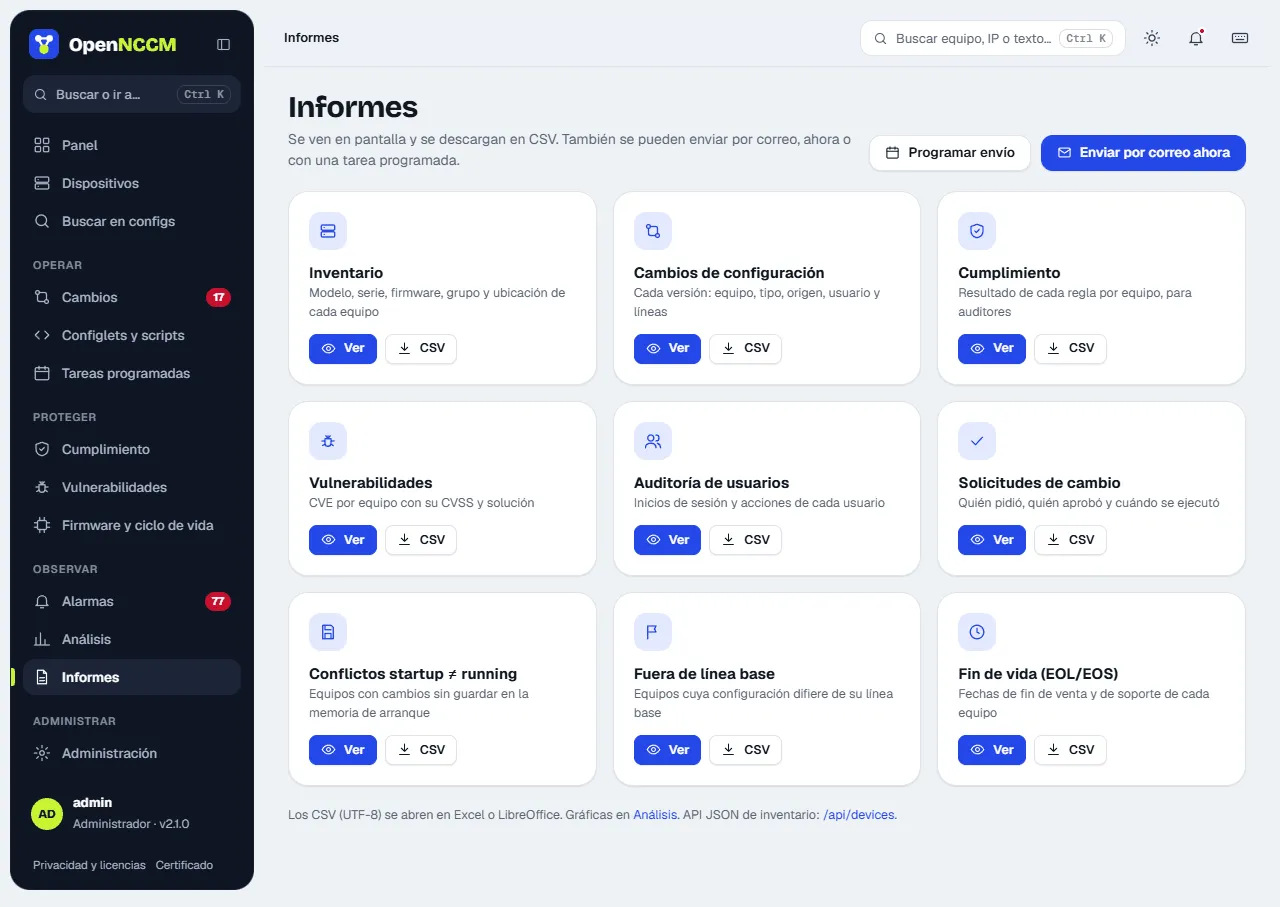
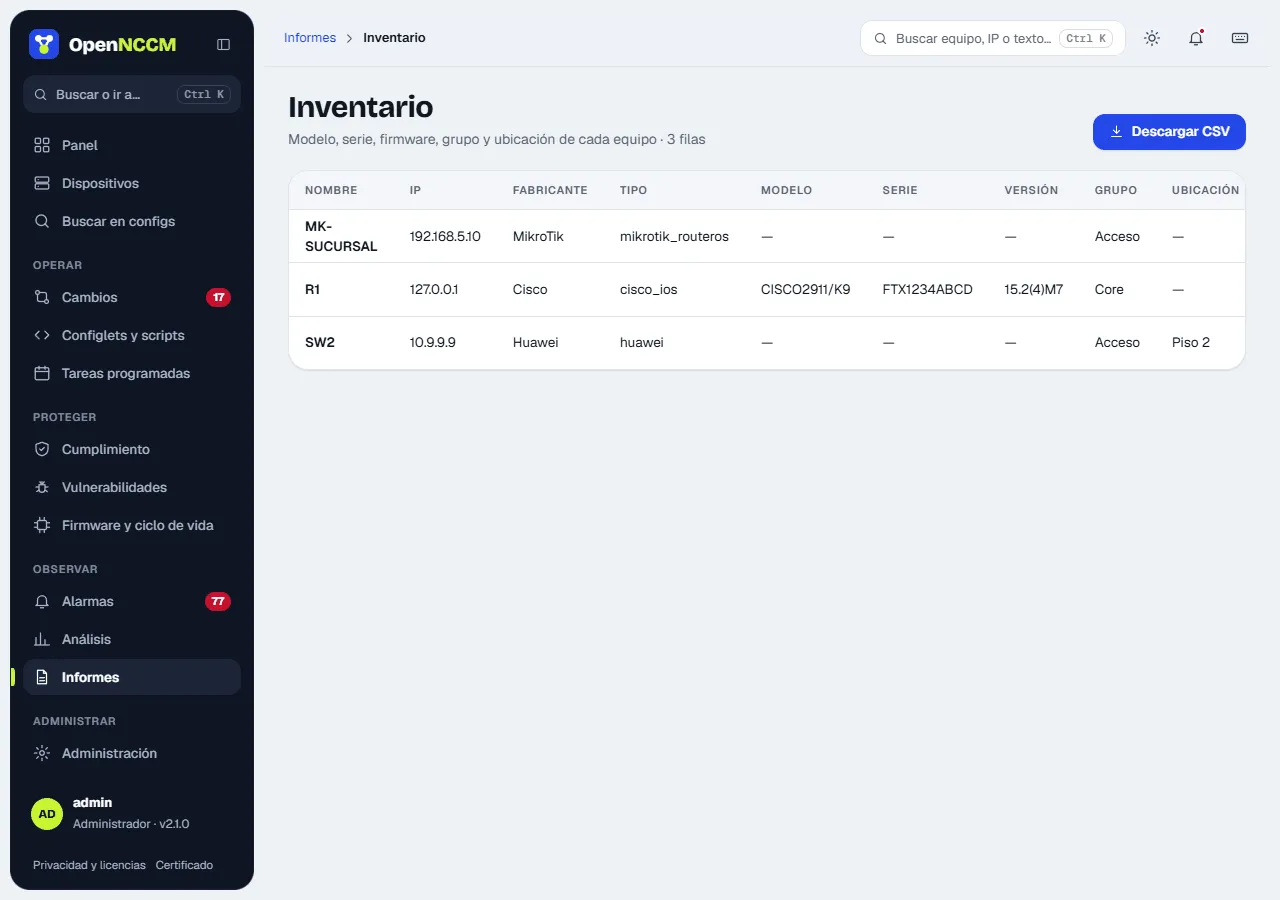
See the full courseEach report is a card with View (on screen, with a period of 7, 30, 90 days or a year where it applies) and CSV (UTF-8, opens directly in Excel). Administrators can email them now or schedule the sending.
| Report | Contents |
|---|---|
| Inventory | Name, IP, vendor, model, serial, version, group, status, conflicts and baseline |
| Configuration changes | Each new version with date, source, user and lines |
| Compliance | Result per device, policy and rule |
| Startup ≠ running conflicts | Devices with unsaved changes |
| Off baseline | Devices with a baseline and whether they drifted |
| End of life (EOL/EOS) | Dates and status of each device |
| Vulnerabilities | CVEs per device |
| Change requests | Who asked, who approved and the result |
| User audit | Sign-ins and actions (administrators only) |
CSV column headers stay in Spanish so integrations keep working.